
Smart Home Automation Dubai | Abode Automation

Planning a golf simulator setup in Dubai requires more than selecting a launch monitor and projector. Room dimensions, swing clearance, screen size, projection distance, simulator technology, computing and installation all need to work together.
This guide explains the key stages involved in planning an indoor golf simulator, from assessing the room and selecting equipment to projection design, system integration and final installation.
For homeowners, businesses and entertainment environments considering an indoor golf project, understanding these requirements before purchasing equipment can help create a simulator room that is practical, immersive and designed around its intended use.
A complete golf simulator system combines physical room design with tracking, projection and computing technologies.
Typical components can include:
The individual equipment should not be selected in isolation. Screen dimensions affect projection requirements, launch-monitor technology affects hitting position, and room dimensions determine which configurations can be installed.

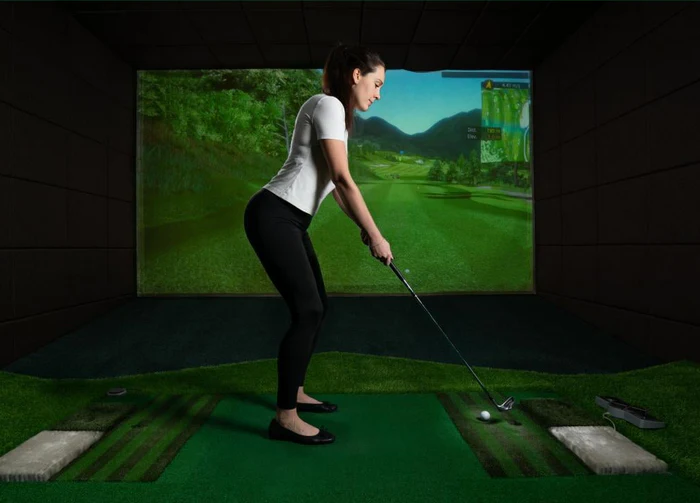
Room planning should come before equipment selection.
A professional golf simulator room needs sufficient space for the golfer to swing comfortably while accommodating the launch monitor, impact screen and projection system.
Important considerations include:
Ceiling Height
The golfer needs sufficient vertical clearance for a natural swing.
Room Width
Width affects golfer positioning, screen dimensions and whether the space needs to accommodate both right- and left-handed players.
Room Depth
Adequate depth is required between the screen, hitting position, tracking equipment and rear of the room.
Equipment Positioning
Projectors, sensors, computers, speakers and other equipment should be positioned without interfering with the player’s movement.
Every room is different, which is why the simulator room should be assessed before final equipment selection.
The launch monitor is one of the core technologies within an indoor golf simulator.
Different systems use different tracking technologies and positioning requirements. Depending on the selected equipment, tracking may involve cameras, radar or other sensor technologies.
Selection should consider:
The most appropriate launch monitor therefore depends on both the golfer and the physical simulator environment.
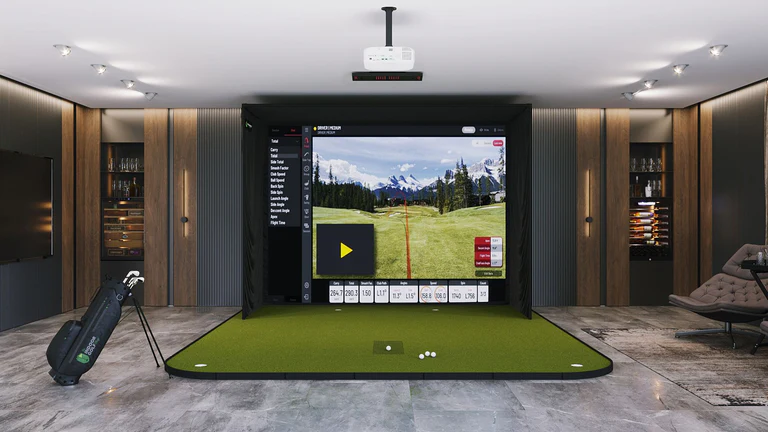
The impact screen performs two important functions: receiving golf-ball impact and providing the visual surface for the simulated course.
Screen dimensions should be coordinated with the available room and projector.
The surrounding enclosure or protective system also needs to account for off-centre shots and the overall safety of the playing environment.
For a custom golf simulator, screen and enclosure dimensions can be designed around the available space instead of trying to make the room fit a predetermined package.

Projection is one of the most important parts of the visual experience.
A golf simulator projector should be selected according to:
Short-throw projectors can be particularly useful where the installation requires a large image from a limited projection distance.
Projector placement should also minimize the possibility of the golfer creating unwanted shadows across the screen.

The simulator software creates the virtual golf environment, while the computer processes the simulator data and renders the visual experience.
The PC specification should therefore be selected according to the software and required display performance rather than treated as an unrelated component.
A simulator environment may support features such as:
Compatibility between the launch monitor, software, PC and display system should be confirmed during system planning.
The physical environment contributes significantly to the overall simulator experience.
Hitting mats provide the playing surface, while artificial turf can be incorporated across the room to create a more complete indoor golf environment.
For premium installations, the room can also incorporate:
This allows a simulator to become part of a dedicated entertainment environment rather than simply an equipment installation.
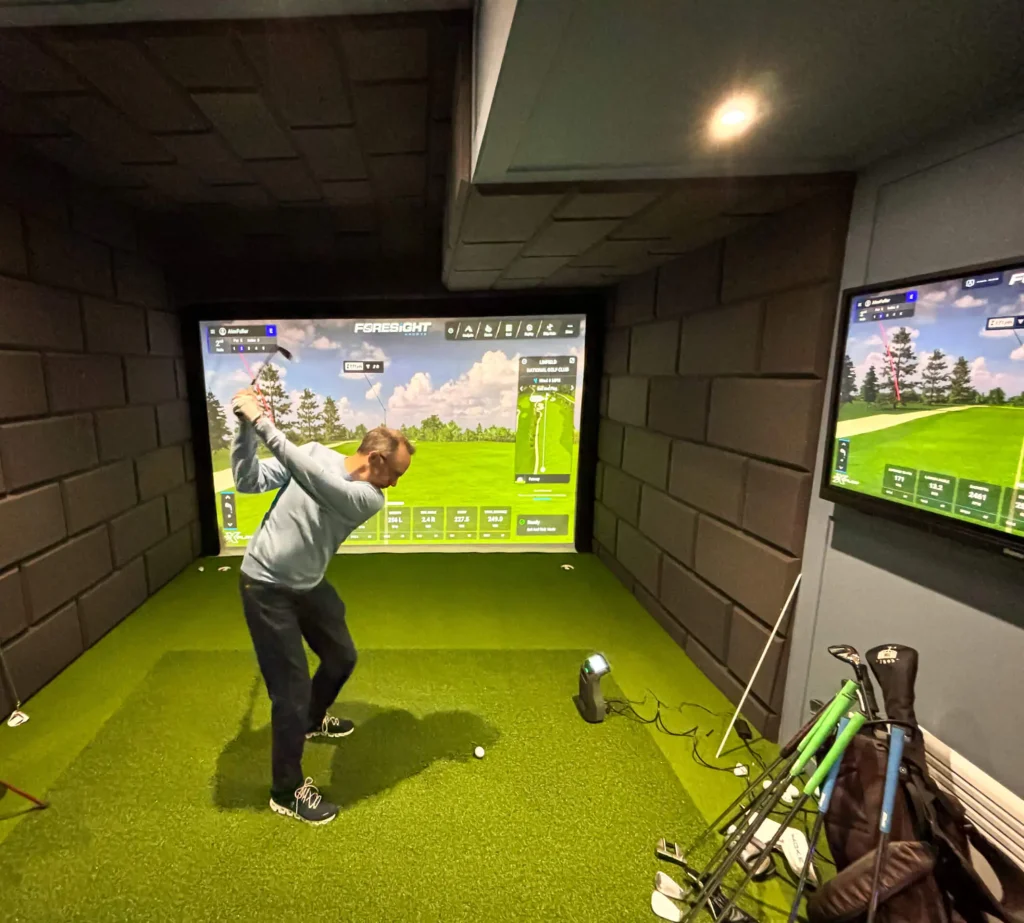
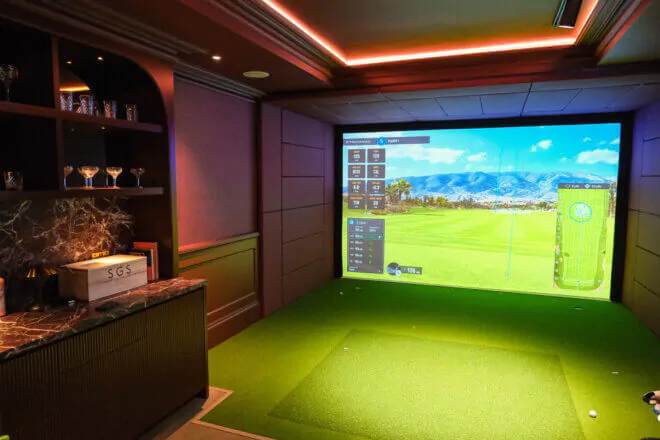
Once the design and equipment are finalized, the installation brings the different technologies together.
A professional golf simulator installation can involve:
Room preparation → Screen and enclosure → Projector installation → Launch monitor setup → PC and software configuration → AV integration → Calibration → Testing and commissioning
The completed system should then be tested according to the selected hardware, software and room configuration.
Golf simulator rooms can be designed for different environments.
Residential
For a simulator specifically designed for a villa or residence, read our Home Golf Simulator in Dubai guide.
Commercial & Entertainment
Indoor golf simulators can also be incorporated into entertainment venues, golf facilities, hospitality environments and other commercial spaces.
Commercial projects may require additional consideration for usage levels, multiple players, room layout, AV infrastructure and operational requirements.
Office & Corporate Spaces
Depending on available space and intended use, an office golf simulator can provide a recreational or entertainment environment within larger corporate facilities.

A custom golf simulator is designed around the available room instead of forcing a standard package into every environment.
The design process can coordinate:
room dimensions → launch-monitor technology → screen dimensions → projection → software → PC → hitting surface → AV → interior environment.
This becomes particularly important for unusual room dimensions, premium residential projects and commercial environments requiring a more integrated installation.
This guide focuses specifically on the technical planning and installation involved in creating a golf simulator room. If you’re looking for complete residential or commercial golf simulator solutions in Dubai and the UAE, explore Abode Automation’s main Golf Simulator service.
Our complete solutions can bring together simulator technology, professional projection, impact screens, software, computing and integrated AV according to the requirements of each project.
Whether you're creating a simulator room for a villa, commercial entertainment environment, golf facility or suitable corporate space, proper planning helps ensure that the room and technology work together.
Abode Automation provides professional golf simulator design, system integration and installation in Dubai and across the UAE, bringing together simulator technology, projection, screens, computing and AV within a coordinated solution.
Pricing varies based on simulator type, room size, and features. Contact us for an estimate.
Yes, we design compact simulator setups suitable for smaller spaces.
Most installations are completed within 3–7 days, depending on design complexity.
Yes, lighting, sound, and temperature can be synced with your simulator setup.
Absolutely. We provide 24/7 support, maintenance, and system upgrades when needed.
Abode Automation provides complete smart home, AV, lighting, security, cinema, and automation solutions designed to make every space more comfortable, connected, and future-ready.
Copyright © 2026 Abode Automation. All Rights Reserved. | Privacy Policy